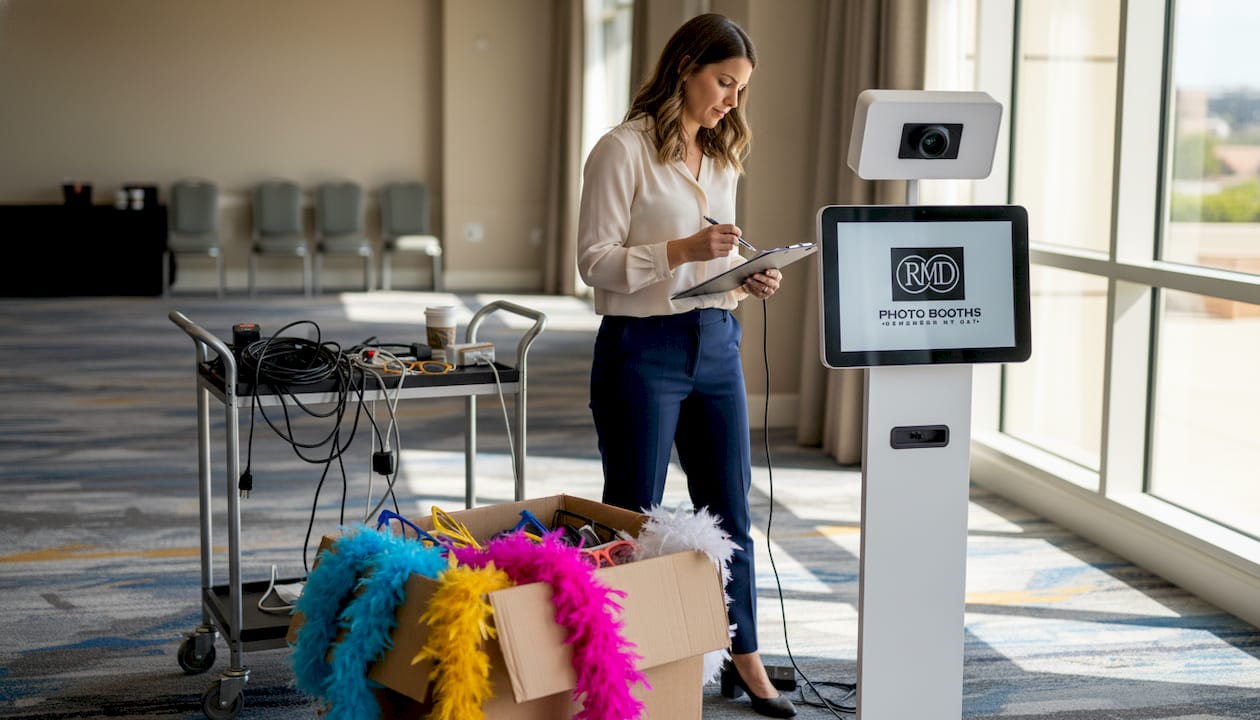
Picture this: it’s a packed wedding reception at a gorgeous San Antonio venue, the dance floor is buzzing, and a line of twenty guests is snaking away from the photo booth. People are walking away. The couple is frustrated. And you, the planner, are scrambling to figure out what went wrong. A clunky photo booth workflow doesn’t just slow things down. It chips away at the guest experience you worked so hard to create. The good news? With a structured, proven process, you can turn your photo booth into one of the night’s biggest highlights. This guide walks you through every stage, from early prep to post-event wrap-up, so your next event truly shines.
Table of Contents
- Map your photo booth workflow: The essentials
- Pre-event prep: Setting the stage for success
- Event day setup and operation: Deliver a seamless experience
- Troubleshooting and post-event wrap-up: Finish strong
- A smarter photo booth workflow: 2026 lessons and bold predictions
- Bring flawless photo booth workflow to your next San Antonio event
- Frequently asked questions
Key Takeaways
| Point | Details |
|---|---|
| End-to-end planning | A seamless workflow requires careful steps before, during, and after the event. |
| Strategic setup | Proper booth placement and clear guest flow are essential for high participation rates. |
| Proactive problem-solving | Preparing for technical issues and training attendants prevents most disruptions. |
| Embrace digital trends | AI features, automation, and instant sharing set successful events apart in 2026. |
Map your photo booth workflow: The essentials
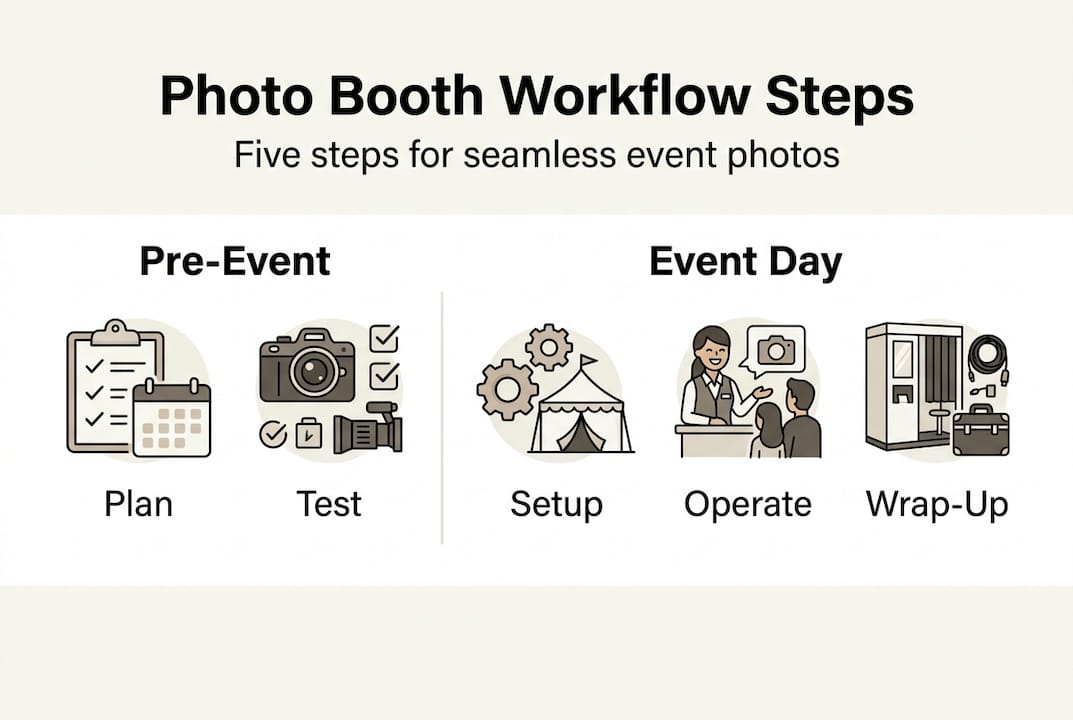
Now that you know why workflow matters, let’s lay out the big picture before diving into each step. A standard event photo booth workflow covers four distinct phases: pre-event, setup, operation, and post-event. Each phase has its own tasks, timing, and handoffs. Missing even one step can create a ripple effect that frustrates guests and puts your reputation on the line.
Here’s a quick overview of what each phase involves:
| Phase | Key tasks | Timing | Staffing |
|---|---|---|---|
| Pre-event | Goals, layout, hardware/software testing | 6 weeks to 2 hours before | Planner, vendor |
| Setup | Load-in, positioning, lighting, signage | 2 hours before guests arrive | Technician, attendant |
| Operation | Guest flow, prints/sharing, queue management | During event | Booth attendant |
| Post-event | Data collection, photo delivery, feedback | Within 24 hours | Planner, vendor |
Before you can nail the details, you need to understand the photo booth setup steps that make each phase connect smoothly. Think of the workflow as a relay race. Every handoff needs to be clean, or the whole team loses time.
Common pre-event pitfalls that derail even experienced planners include:
- Underestimating the space needed (a standard booth needs at least a 10×10 ft footprint)
- Forgetting to confirm power outlet locations and internet access
- Skipping a full end-to-end test before event day
- Not briefing the booth attendant on the event’s specific goals
- Overlooking creative party photo booth tips that boost engagement
Note: Test the full workflow end-to-end before event day. Run through every step a guest would take, from stepping up to the booth to receiving their digital share or print.
When you treat the workflow as a system rather than a checklist, you catch problems before they become disasters. That shift in thinking is what separates good events from truly unforgettable ones.
Pre-event prep: Setting the stage for success
With the full workflow in view, let’s break down the critical groundwork done well before guests arrive. Pre-event planning should begin 6 weeks out for objectives, logistics, and layout. Starting early gives you room to course-correct without stress.
Here’s a numbered timeline to keep you on track:
- 6 weeks out: Define your event goals. Are you capturing guest data for a corporate sponsor? Building brand awareness with custom overlays? Or simply creating fun memories for a wedding? Your goals shape every decision that follows.
- 4 weeks out: Finalize the booth type, props, and branding. Confirm space dimensions, power access, and internet availability with your venue.
- 2 weeks out: Review the layout design and confirm placement with your vendor. Order any custom-printed props or branded templates.
- 1 week out: Test all hardware and software together. Confirm staffing, run through the guest journey, and review your backup plan.
- 2 hours before: Complete final setup, run a test print or digital share, and brief the booth attendant on flow and goals.
Defining clear goals upfront is more powerful than most planners realize. A corporate event focused on lead capture needs a different setup than a wedding focused on instant social sharing. Personalized photo booth planning means your booth feels intentional, not like an afterthought.
The numbers back this up. The photo booth industry carries 50 to 85% profit margins, which means the ROI of doing prep right is enormous. A well-run booth pays for itself many times over in guest satisfaction and brand value.
Pro Tip: Branded digital props and AI effects drive 2026 engagement. Guests are far more likely to share photos that include custom overlays tied to your event theme, which extends your reach far beyond the room.
Event day setup and operation: Deliver a seamless experience
With your prep complete, it’s time for flawless execution. Here’s how to get everything running smoothly on event day.
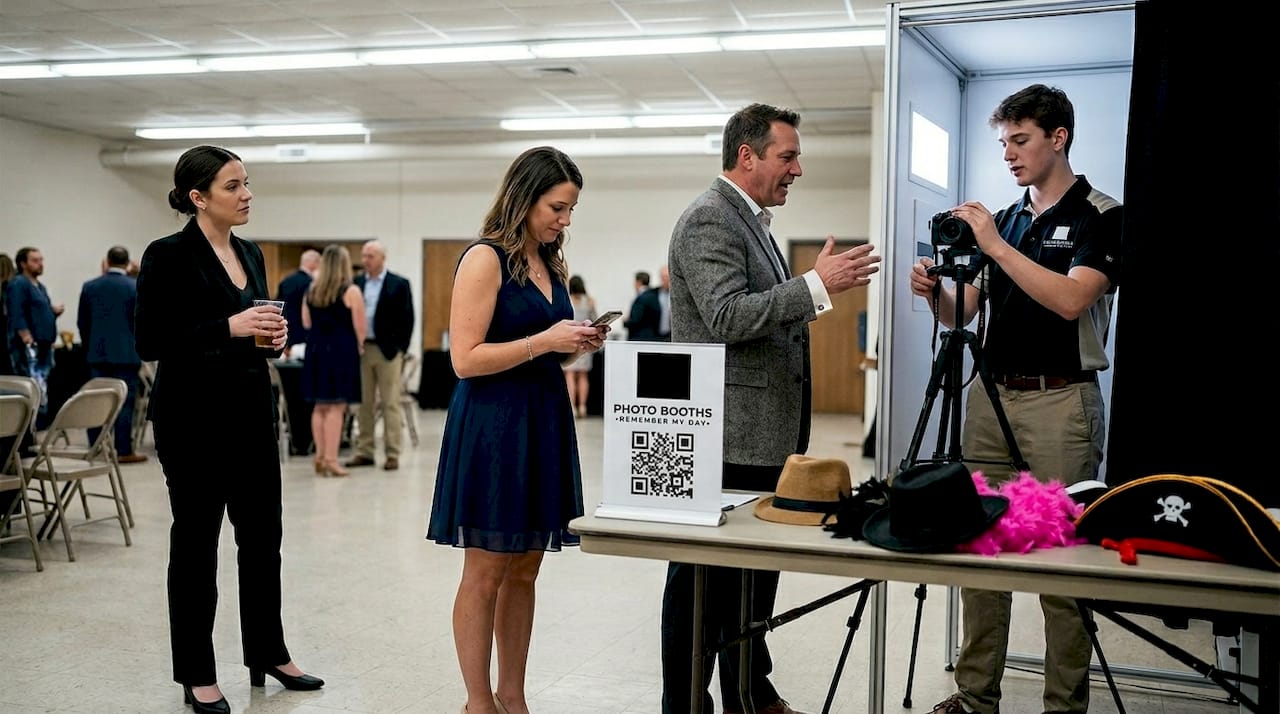
Optimal booth placement ensures visibility and high usage while avoiding bottlenecks. Position your booth near social zones like the bar or lounge area, not tucked in a corner. Guests should be able to spot it the moment they walk in.
Your flash setup checklist for event day:
- Confirm power outlets are live and cables are secured safely
- Test internet connection and have your mobile hotspot ready as backup
- Check lighting: ring lights or softboxes should eliminate harsh shadows
- Verify camera focus, framing, and trigger response
- Place clear signage at eye level to direct guests to the booth
- Organize props neatly in a visible display within arm’s reach
Here’s how traditional print and digital-first workflows compare when you’re managing a busy event:
| Factor | Traditional print | Digital/AI-first |
|---|---|---|
| Speed per guest | 45 to 90 seconds | 15 to 30 seconds |
| Guest experience | Tangible keepsake | Instant share, social-ready |
| Troubleshooting | Printer jams, ink issues | Software resets, connectivity |
| Queue impact | Slower, longer lines | Faster throughput |
| Branding options | Limited | Overlays, AI effects, filters |
For wedding photo booth engagement in San Antonio, digital-first setups are increasingly popular because guests can share to Instagram or text photos to themselves in seconds. That speed keeps lines moving and energy high.
Guest flow optimization through signage, props, and time limits is essential for keeping participation rates strong. A clearly marked queue, a friendly attendant, and a visible timer all work together to keep things moving without making guests feel rushed.
Pro Tip: Separate share and print stations can double your throughput. When guests aren’t waiting for a print to finish before the next group steps up, your booth handles twice the volume with half the frustration. Explore photo booth personalization options to make every interaction feel special.
Troubleshooting and post-event wrap-up: Finish strong
Even the best workflows need backup plans. Here’s how to handle problems and turn your booth into a lasting asset.
Booth attendants are essential for resets and preventing 90% of issues before they escalate. A proactive attendant who knows the equipment is worth more than any amount of spare gear. That said, always prepare for the unexpected.
Your quick-fix checklist for event-day emergencies:
- Power failure: Switch to your backup power strip or UPS battery immediately. Never run a booth from a single outlet without surge protection.
- Internet drops: Activate your 4G or 5G mobile hotspot. Test it during setup so you know it works in that specific venue.
- Printer jam or ink failure: Keep a spare ink cartridge and paper roll in your kit. Always plan for spare supplies and backup connections.
- Software crash: Have a tablet or secondary device pre-loaded with the booth software as a warm standby.
- Camera issues: Carry a spare USB cable and know how to reset the camera connection in under two minutes.
Common event-day issues and their rapid solutions:
- Long lines: Open a second sharing station or implement a 60-second per group rule
- Guests unsure how to use the booth: Station the attendant at the entry point, not behind the booth
- Poor photo quality: Adjust lighting first, then check camera settings before blaming hardware
- Props getting lost or damaged: Restock every 30 minutes and keep a reserve box nearby
Post-event, your booth becomes a data goldmine. Collect all guest photos and organize them in a shared gallery link you can send within 24 hours. If you captured emails or phone numbers for digital delivery, that list is a warm audience for future event marketing. Pair your booth data with tech-enhanced photo booths analytics to see peak usage times, most-used props, and share rates.
Focus on maximizing utilization of each booth for maximum ROI. One well-managed booth with strong throughput beats two unattended booths every single time.
Also consider pairing your booth with complementary entertainment rentals to create an entertainment zone that keeps guests engaged all night. And always review photo booth etiquette tips with your attendant before the event starts.
A smarter photo booth workflow: 2026 lessons and bold predictions
With the full process covered, let’s explore where the most successful planners are heading and what others might miss.
Here’s something we’ve seen over and over: planners obsess over getting a second or third booth when what they really need is to maximize the one they have. More equipment doesn’t fix a broken workflow. It just multiplies the chaos.
The planners winning in San Antonio’s competitive market right now are leaning into automation, instant sharing, and AI-powered overlays. These tools don’t just speed things up. They create event experience insights that help you improve every future event. One proactive attendant who knows the system cold will outperform two unmonitored booths every time. That’s not a theory. That’s what we’ve watched happen at hundreds of events.
Our bold prediction for the rest of 2026: branded, tech-augmented booth experiences will define top-tier events in San Antonio. Manual hand-offs and paper sign-up sheets will vanish. The planners who build smart, automated workflows now will be the ones guests talk about for years.
Bring flawless photo booth workflow to your next San Antonio event
Ready to transform your next party or event? Here’s how to get started with pro-level support.
We’ve helped hundreds of San Antonio planners create seamless, unforgettable photo booth experiences, and we’d love to do the same for you. Whether you’re planning a wedding, a corporate gathering, or a private celebration, we have the right booth and the right workflow to make it all click.

See event photo booth experiences tailored to every style and budget, from sleek digital setups to our show-stopping 360 photo booth rental that guests absolutely love. When you’re ready to lock in your date, it’s easy to book your photo booth online in just a few minutes. Let us handle the workflow so you can focus on creating those “wow” moments your guests will treasure forever.
Frequently asked questions
What are the most common event photo booth workflow mistakes?
Poor booth placement and skipping test runs are the top mistakes, along with failing to prepare for internet or power issues. These are all preventable with early planning and a solid checklist.
How much time before the event should the photo booth be set up?
Set up the photo booth at least two hours before guest arrival to allow time for equipment, lighting, and internet checks. Rushing setup is one of the fastest ways to create avoidable problems.
What’s better for workflow: traditional print or digital-first photo booths?
Digital-only is faster and matches 2026 workflow trends, especially for instant sharing. Traditional print can slow lines and add troubleshooting complexity during busy events.
How can I increase guest participation at the photo booth?
Use prominent signage, fun props, and a friendly attendant to guide guests, since signage and prompts boost participation significantly. An engaged attendant makes guests feel welcome and keeps the energy high.
What backup plans should I prepare for photo booth issues?
Always have backup power, printer supplies, and a mobile internet hotspot ready before the event starts. These three items alone will protect you from the most common event-day failures.