
TL;DR:
- Most professional photo booths print photos instantly with dye-sublimation printers that produce a 4×6 image in 6 to 15 seconds. Digital galleries are usually available within one to three business days after the event ends. It is essential to clarify printer speed, included print quantities, and setup timing with vendors before booking.
Most professional photo booths deliver physical prints during the event itself, typically within several seconds per print. Digital galleries usually arrive within a few business days after the event wraps up.
Before you book, confirm three things with your vendor:
- Printer speed and model (ask for the exact seconds-per-print spec, not just “fast”)
- How many prints are included and whether “unlimited” means sessions or individual copies
- Attendant policy (on-site the whole time, or on-call?)
Pro Tip: Ask your vendor to send you the printer’s product page link. Real specs from the manufacturer are far more reliable than marketing language like “lightning fast.”
Table of Contents
- When does the booth and equipment actually arrive at your venue?
- What printer types actually determine how fast your guests get prints?
- What do “included prints” and “unlimited” actually mean in a package?
- How long does on-site setup take, and will someone stay with the booth?
- When will your digital gallery be ready after the event?
- What do extra prints, rush processing, and reprints actually cost?
- What questions should you ask every vendor before you book?
- Key Takeaways
- Rmdphotobooths brings the prints, the attendant, and the peace of mind to San Antonio events
When does the booth and equipment actually arrive at your venue?
Timing the arrival of your photo booth is just as important as knowing how fast it prints. For local delivery and on-site setups, most vendors schedule their technician to arrive well before your event start time. That buffer protects against traffic, venue access delays, and any last-minute surprises with power or placement.
For shipped or drop-shipped kits, expect the equipment to arrive several days before your event. That window gives you time to flag any damage or missing components before the day-of rush. Always confirm with your vendor exactly who signs for the delivery and where it should be dropped if you are not on-site.
- Confirm the vendor’s arrival window in writing (not just verbally)
- Ask who is responsible if a shipment is delayed (vendor or carrier)
- Get a direct phone number for the technician, not just a general support line
- Verify load-in access with your venue: elevator availability, parking for a cargo van, and any freight-only entrances
Delivery delay communication matters. Ask your vendor upfront: “How will you notify me if there is a delay, and what is your backup plan?” A professional vendor has a clear answer.
Pro Tip: Share your venue’s load-in rules with your vendor at least two weeks before the event. Surprises at the loading dock on event day are one of the most common causes of late setups.

What printer types actually determine how fast your guests get prints?
The printer inside the booth is the single biggest factor in your photo booth print delivery time. Three technologies dominate the market, and they are not equal.
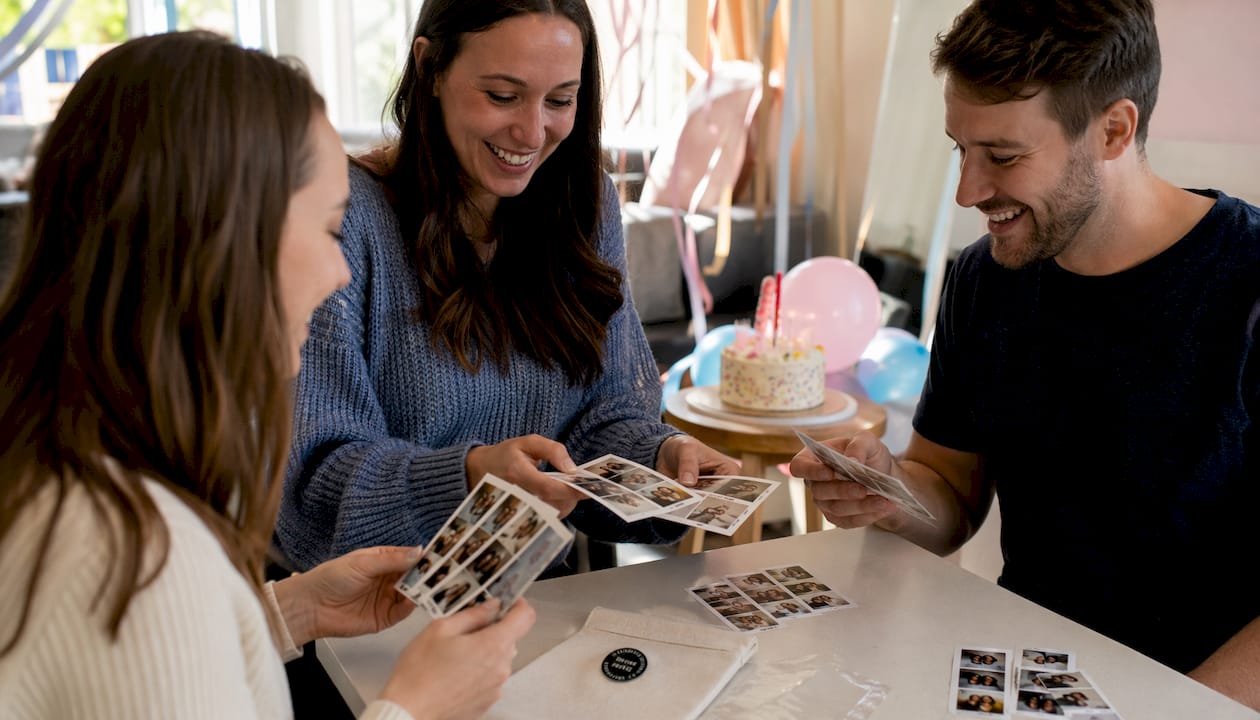
Dye-sublimation is the gold standard for event photo booths. These printers use heat to transfer dye onto paper, producing prints that are dry to the touch the moment they come out. Dye-sublimation printers commonly produce a 4×6 photo in roughly 6–15 seconds, with some models hitting 8 seconds or faster. That speed holds up under continuous use, which matters when you have 150 guests lined up.
High-end inkjet printers can produce beautiful images but are generally slower and more sensitive to humidity. They are better suited to lower-volume activations or gallery-style setups where guests are not expecting an instant print.
ZINK (Zero Ink) technology skips ribbons entirely by embedding dye crystals in the paper itself. It is compact and convenient, but print quality and speed typically fall below dye-sublimation, and it is rarely the right choice for a large wedding or corporate event.
| Printer Type | Typical Speed (4×6) | Print Quality | Best For |
|---|---|---|---|
| Dye-sublimation | 6–15 seconds | Excellent, smear-proof | Weddings, corporate, large events |
| High-end inkjet | 45 seconds | Very good | Low-volume, gallery setups |
| ZINK | 30–60 seconds | Good | Small parties, portable setups |
Roll capacity is where many planners get caught off guard. High-capacity dye-sublimation printers hold anywhere from 300 to 700 prints per roll. Running out of paper or ribbon mid-event is one of the most common bottlenecks at high-volume events, and it is entirely preventable with the right hardware and a vendor who plans ahead.
Pro Tip: For events with 100 or more guests, ask your vendor specifically how many prints their roll holds and whether they bring a spare roll on-site. A vendor who cannot answer that question is a red flag.
What do “included prints” and “unlimited” actually mean in a package?
This is where the most confusion happens, and it is worth getting crystal clear before you sign anything.
“Unlimited printing” in most packages means unlimited sessions, not unlimited copies. So if four friends take a photo together, they typically receive one printed strip between them. A second copy for each person, or a set for the guestbook, usually costs extra. Many vendors structure it exactly this way, so confirming the definition upfront saves real money and avoids disappointed guests.
For a typical 3–4 hour event, here is what common package models look like:
- Fixed print count: A set number of prints (say, 100 or 200) included in the base price, with a per-print fee after that
- Unlimited sessions, one copy per session: Guests can use the booth as many times as they want, but each session produces one print
- Unlimited sessions, double prints: Every session produces two copies automatically, so each person in a pair walks away with one
- Guestbook add-on: An extra set of prints is routed to a guestbook album; this is almost always an add-on, not included by default
Some vendors advertise packages with unlimited double strips that print within a short time per session, which is a generous offer for a busy event. Always ask whether that speed guarantee applies throughout the full event duration or only under ideal conditions.
Pro Tip: Ask this exact question: “If five people are in a photo, how many prints do they receive, and what does an extra copy cost?” The answer tells you everything about how the package actually works.
How long does on-site setup take, and will someone stay with the booth?
Getting the booth set up correctly and on time is a logistics puzzle that good vendors solve before you even think about it. Here is the typical schedule you should expect and confirm:
- Technician arrival: 60–90 minutes before your event start time to allow for load-in, parking, and venue-specific access requirements.
- Physical installation: 30–45 minutes for booth assembly, lighting, backdrop, and props.
- Testing and calibration: 10–15 minutes.
- Ready confirmation: Your vendor should confirm completion at least 15 minutes before guests arrive.
Attendant policy varies by vendor and package. Some include a dedicated on-site attendant for the full event duration. Others offer an “on-call” model where the technician sets up and leaves, returning only if something goes wrong. For events with 75 or more guests, an on-site attendant is worth every dollar. They manage the line, swap media rolls, troubleshoot minor issues, and keep the energy up.
Confirm these items with your venue before the vendor arrives:
- Dedicated power outlet within 10 feet of the booth location (a standard 110V outlet works for most setups)
- Load-in route and any time restrictions on freight elevator use
- Parking for the vendor’s vehicle during setup and breakdown
- Whether the venue requires a certificate of insurance from the vendor
Pro Tip: Walk your venue coordinator through the venue preparation checklist at least one week before your event. Catching a power or access issue early is far less stressful than discovering it during setup.
When will your digital gallery be ready after the event?
Physical prints provide instant gratification. Digital galleries are the lasting memory. Online galleries are typically delivered within 1–3 business days after the event, and gallery access usually stays active for several weeks to months. SMS and email photo links sent during the event often remain active for weeks.
A few things to clarify with your vendor before the event:
- File resolution: Confirm you will receive full-resolution files, not compressed web versions
- Delivery method: Will the gallery arrive via email link, a private URL, or a shared cloud folder?
- Archival window: How long will the vendor store your images, and what happens after the gallery expires?
- Reprint access: Many providers keep digital backups and can mail physical reprints after the event; confirm this is available and what it costs
Some vendors offer an immediate digital backup option at the event itself, where images are uploaded in real time to a shared gallery guests can access on their phones. This is a great feature for large events where guests want to share photos before the night is over.
Gallery delivery window: Confirm in writing that your gallery will be delivered within a specific number of business days and that you will receive a notification when it goes live.
Pro Tip: Download your full gallery as soon as it arrives. Do not rely on the vendor’s hosting link as your permanent archive. Save everything to a personal cloud drive the same day.
What do extra prints, rush processing, and reprints actually cost?
Extra prints and reprints are rarely free, and the pricing structures vary enough that it is worth asking specific questions before you book.
- Per-print fees: Common for packages with a fixed print count. Expect to pay a set amount per additional print once you exceed the included number.
- Per-strip or per-session fees: Some vendors charge by the session rather than the individual print, which can be more economical if your guests tend to take group shots.
- Full reprint orders after the event: If you want a batch of physical prints mailed to you after the event, expect both a per-print cost and a shipping fee. Standard shipping adds 3–7 business days; expedited options are available but cost more.
- Rush design or overlay changes: Last-minute changes to your print template or overlay after the design has been approved typically trigger a rush fee. Lock your artwork early to avoid this.
Graphic design queue time is another hidden lead time that catches planners off guard. Busy vendors place confirmed bookings into a design queue and prioritize by event date. Booking early means your custom overlay gets produced without a rush fee and with enough time for revisions.
Pro Tip: Ask your vendor for a written breakdown of every possible extra charge: per-print fees, guestbook sets, shipping, rush design, and gallery extension fees. One page, in writing, before you sign the contract.
What questions should you ask every vendor before you book?
A great vendor will answer all of these without hesitation. One who hedges or deflects on the specifics deserves a closer look before you commit.
- What is the exact printer model, and what is its rated speed in seconds per 4×6 print?
- How many prints does one roll hold, and do you bring a spare roll to every event?
- What does “unlimited” mean in your package: sessions, copies, or both?
- Is a guestbook set included, or is that an add-on?
- Will an attendant be on-site for the full event, or is this an on-call setup?
- What is your design turnaround time for custom overlays, and when is the final artwork due?
- When will my digital gallery be delivered, and how long will it stay active?
- What is your reprint policy, and can you mail physical prints after the event?
- What happens if a print roll runs out mid-event?
- What is your communication protocol if there is a delivery or setup delay?
For large events (100+ guests or multi-location activations), also ask whether the vendor can bring a second printer or a backup unit. A single printer at a 200-person wedding is a throughput risk, even with a fast dye-sublimation model.
When reviewing contract language, look for these specific clauses: a stated arrival window (not just “before the event”), a media capacity guarantee (number of prints the roll holds), and a design delivery deadline. If those three items are not in the contract, ask for them to be added.
Pro Tip: Check out the essential questions to ask your San Antonio photo booth vendor for a locally focused version of this checklist, including venue-specific considerations for Texas events.
Key Takeaways
Physical prints are instant at most professional events using dye-sublimation printers that produce a 4×6 print in 6–15 seconds; digital galleries are typically delivered within 1–3 business days and remain accessible for 30–90 days.
| Rmdphotobooths | Rmdphotobooths serves San Antonio events with on-site attendants, dye-sublimation printing, and transparent package inclusions. |
What experienced vendors know that most planners never think to ask
The timing pitfalls we see most often are not about printer speed. They are about supplies, last-minute artwork changes, and venue access problems that nobody flagged in advance. A vendor who shows up 90 minutes early with a spare print roll and a finalized overlay file is almost never the vendor who runs out of paper at 9 PM or scrambles to reprint because a logo was the wrong color.
The real throughput question at a busy event is not “how fast is the printer?” It is “how many prints can this vendor produce continuously before they need to swap media?” A 10-second printer with a 150-print roll will stall at a 200-person wedding. A 12-second printer with a 700-print roll will not. That distinction rarely shows up in a vendor’s marketing materials, which is exactly why you need to ask for the spec sheet.
One professional habit that separates great vendors from good ones: they lock the print artwork well before the event. Design changes after that point go into a rush queue, cost more, and introduce the risk of a typo or color mismatch that nobody catches until the first print comes out. Book early, approve your design early, and confirm the final file in writing.
Rmdphotobooths brings the prints, the attendant, and the peace of mind to San Antonio events
When you book with Rmdphotobooths, you get a local San Antonio team that shows up early, stays on-site, and handles every print detail so you can actually enjoy your event. We use professional dye-sublimation printers for fast, smear-proof prints your guests can hold in their hands within seconds of stepping out of the booth. Our packages come with clear, written print counts, a dedicated on-site attendant, and digital gallery delivery so nothing gets lost after the night ends.
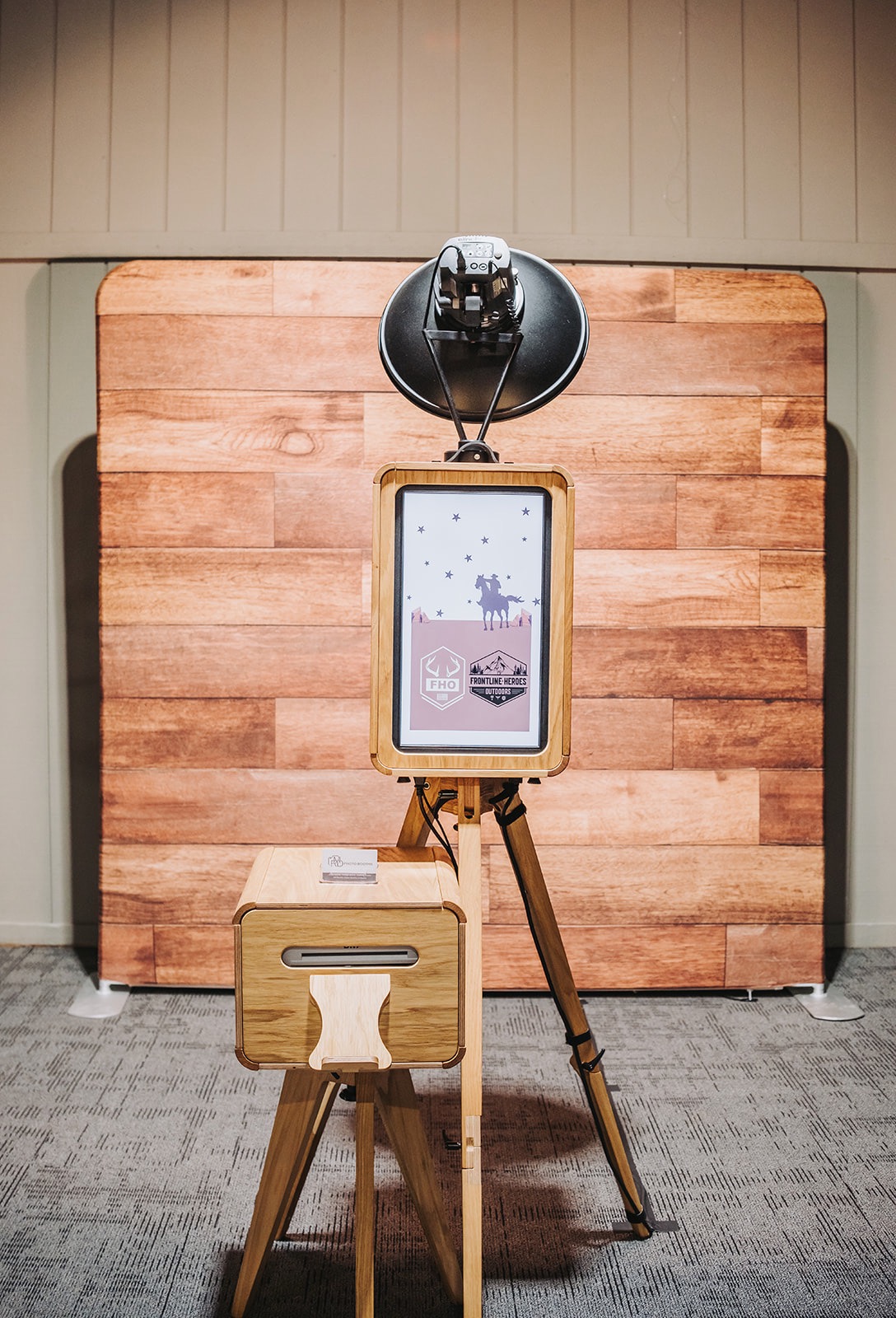
From traditional photo booths to 360° experiences and glam booths, every Rmdphotobooths activation includes transparent “what’s included” details, no surprise reprint fees, and a team that has earned over 1,000 five-star reviews across San Antonio weddings, corporate events, and private celebrations. Ready to lock in your date and get a clear timeline for your event? Book your booth now and we will walk you through every timing detail before you sign a thing.
Useful sources for verifying vendor specs and timing claims
Before you finalize any booking, these resources help you cross-check what vendors tell you against real manufacturer data and industry norms:
- Dye-sublimation printer specs (DNP DS-RX1HS): Manufacturer page listing exact print speeds and roll capacities; use this to verify vendor claims about throughput.
- Photo booth printer buyer’s guide: Independent comparison of top photo booth printers with speed benchmarks and quality notes.
- Photo booth printers overview: Broad overview of printer models and specs planners can request from vendors to verify real-world capacity.
- Photo booth photos ultimate guide: Covers digital gallery delivery timelines, SMS link windows, and what to expect after your event.
- Photo booth printer guide (unlimited print definitions): Explains how “unlimited” is defined across common package types and what extra copies typically cost.
- Event photo booth planning guide: Step-by-step local planning resource covering booking timelines, vendor questions, and setup coordination for San Antonio events.