TL;DR:
- Social media integration in photo booths enables instant sharing of branded photos to platforms like Instagram and TikTok, increasing event reach. Reliable connectivity, moderation, and seamless workflows are crucial for the success of social sharing features during events. Proper technical planning and choosing advanced systems enhance guest participation and generate valuable real-time analytics and user-generated content.
If you still think of a photo booth as just a place guests snap a quick picture and walk away, it’s time for a fresh look. Understanding what is social media integration in photo booths can completely change how you plan and execute events. Today’s photo booths are live marketing engines. They capture moments, brand them instantly, and push them out to social platforms in real time, turning every guest into an ambassador for your event. This guide walks you through exactly how it works, why it matters, and how to set it up right.
Table of Contents
- Key takeaways
- What social media integration in photo booths actually means
- The real benefits of social media in photo booths
- Technical nuances: connectivity, moderation, and fallback plans
- How to implement social media features in your photo booth setup
- My honest take on what planners get wrong
- Bring your event to life with Rmdphotobooths
- FAQ
Key takeaways
| Point | Details |
|---|---|
| Social media integration defined | Photo booths with social integration let guests share branded photos instantly to platforms like Instagram, Facebook, and TikTok. |
| Multiple delivery methods | Sharing happens via QR codes, email, or SMS, so guests do not need to log into any app at the booth. |
| Connectivity is make-or-break | Reliable Wi-Fi or a cellular backup is critical. Weak internet kills real-time sharing and guest experience. |
| Moderation protects your event | Content moderation tools let you review posts before they appear on event walls or live social feeds. |
| Branding drives recall | Custom overlays and event hashtags in every photo create consistent, recognizable user-generated content at scale. |
What social media integration in photo booths actually means
Most planners hear “social media integration” and picture a booth with a tablet tacked on the side. The reality is much more layered than that, and much more useful.
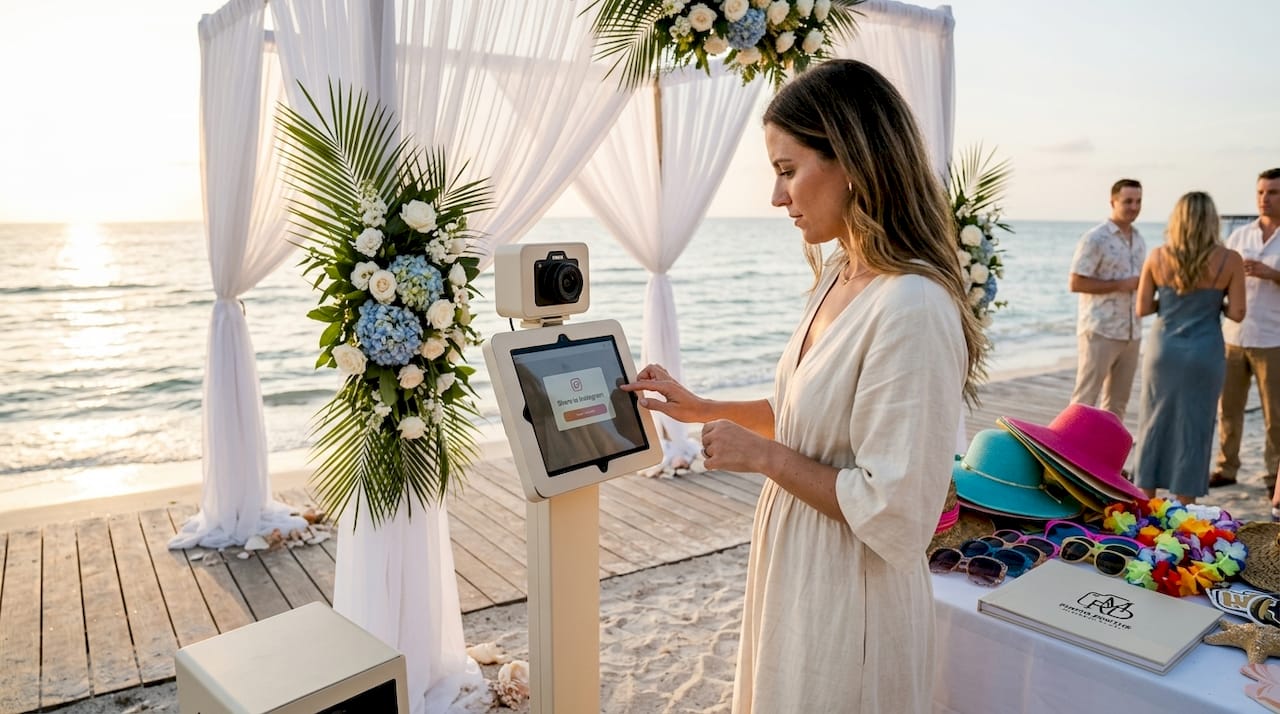
Social media integration in photo booths refers to the built-in ability to instantly share photos or videos from the booth directly to platforms like Instagram, Facebook, Twitter/X, or TikTok. The sharing is not manual. Guests do not need to download an image, open an app, and post it themselves. The system does most of the heavy lifting automatically, and that speed is exactly what makes the experience feel magical.
Here is what the actual features look like in practice:
- On-screen prompts guide guests through sharing options immediately after their session, keeping the experience intuitive and fast.
- Custom branded overlays are baked into every image, so your event logo, sponsor name, or themed graphic travels with each photo automatically.
- Event hashtags are pre-embedded so posts feed into a unified campaign, whether guests post to their personal accounts or through the booth software.
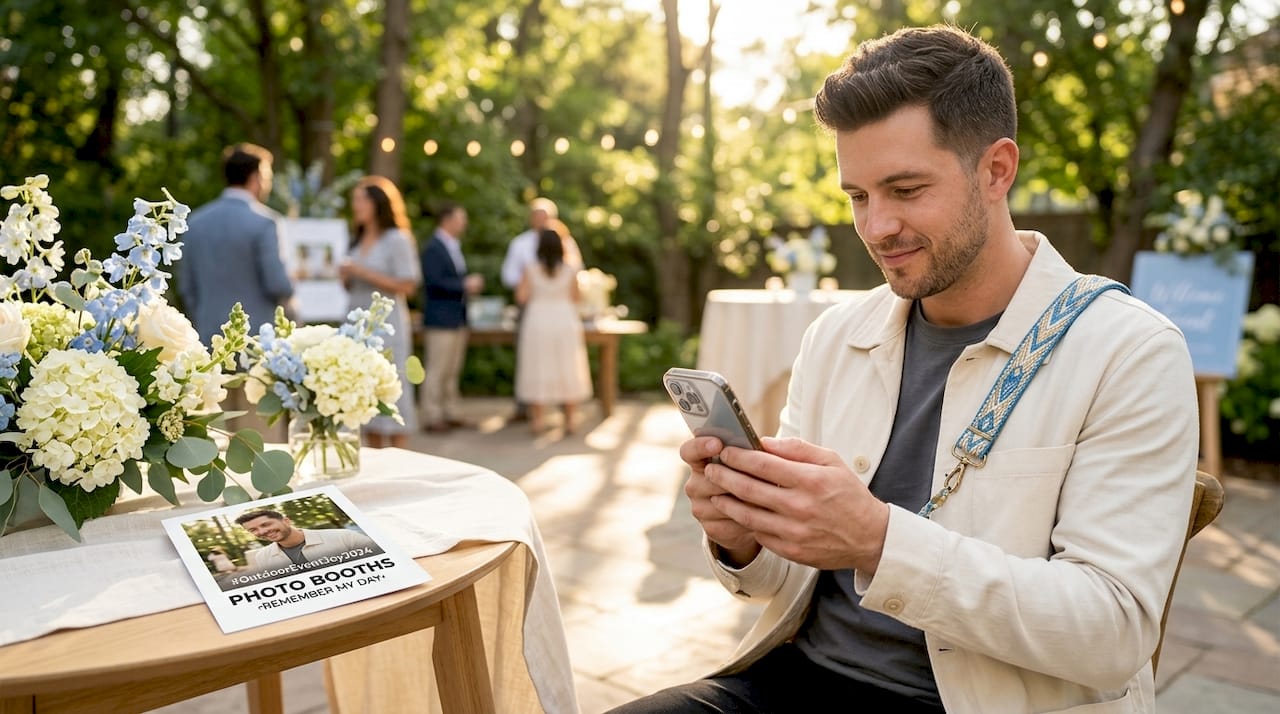
- QR code portals let guests scan a code displayed at the booth, which opens a browser-based gallery for uploading photos. As noted by social sharing research, this removes app login friction entirely, meaning guests do not need an account to share.
- Email and SMS delivery send photo links directly to guests’ phones, giving them another path to share on their own time.
The flow typically looks like this: a guest steps in, takes their photos, sees a preview on screen, and is prompted to scan a QR code or enter their phone number. Within seconds, a link lands in their hands. They share, and your branded content is now live on their feed.
Pro Tip: Ask your photo booth provider if their QR code portal works without requiring guests to create an account or download anything. Friction-free sharing increases participation rates noticeably, especially at corporate events where guests are less inclined to spend extra time at the booth.
The real benefits of social media in photo booths
Understanding the benefits of social media in photo booths is what separates a good event from a great one. The advantages go well beyond convenience.
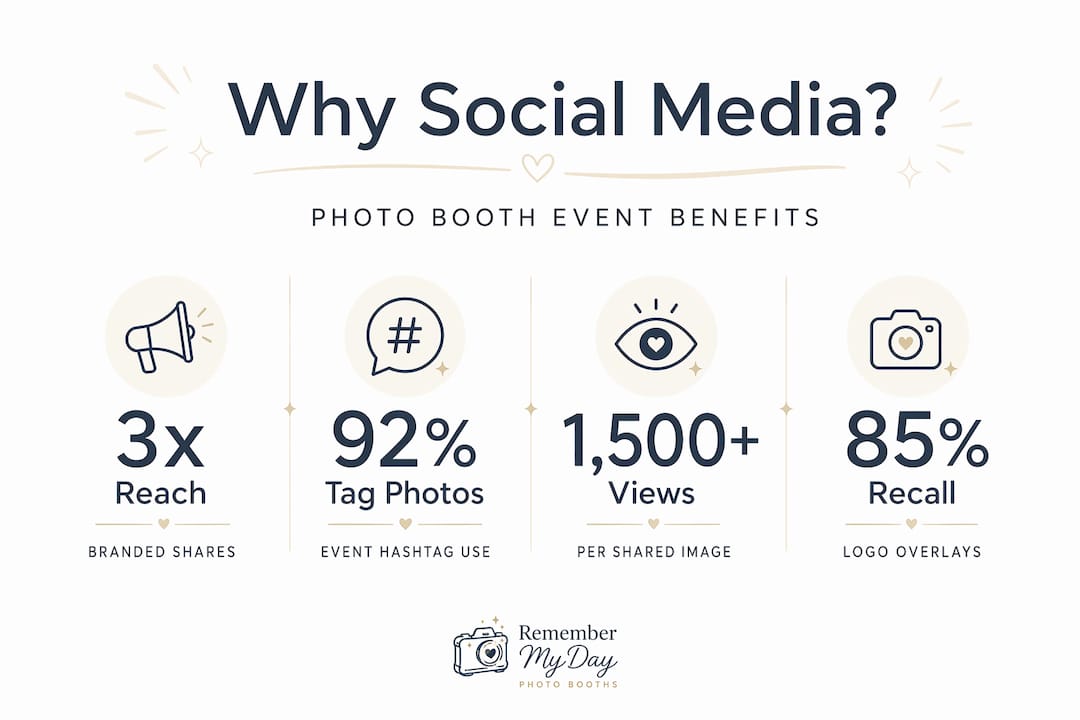
The most obvious win is reach. When a guest posts a branded photo to their personal Instagram or TikTok, their entire follower base sees your event’s name, hashtag, and visuals. That is organic promotion you cannot buy directly. At a well-attended corporate event or wedding, hundreds of posts from real attendees can reach an audience far larger than the guest list itself.
There is also the user-generated content angle. Branded overlays and hashtags embedded in every photo keep your messaging consistent across thousands of posts. Research from the industry shows that photo booth branding can generate up to 85% brand recall for events, a number most traditional marketing tactics would envy.
Real-time analytics add another dimension entirely. Some photo booth systems refresh engagement data every 30 minutes, allowing you to track hashtag performance and sharing volume as your event unfolds. That means you can adjust your signage, encourage more booth visits during a slow stretch, or amplify a trending post on the spot.
The social benefits stack up quickly:
- Guests feel more connected to the event when they can share moments instantly.
- Sponsors see measurable impressions tied to their logo in shared content.
- Planners gain post-event data on reach, engagement, and content performance.
- The event’s hashtag gains organic momentum without a paid advertising budget.
Enhancing events with photo booths and social media also means you are generating content you can repurpose. Those tagged photos and videos are assets you can feature in post-event recaps, future promotional materials, and social campaigns.
Technical nuances: connectivity, moderation, and fallback plans
This is the section most planners skip, and it is exactly where things go wrong on event day.
Social media features in photo booths depend entirely on a stable internet connection. No connection means no real-time sharing. And venues, especially ballrooms, convention centers, and outdoor spaces, are notorious for unpredictable Wi-Fi. Weak venue internet can disrupt live sharing and push photos to local storage instead, which delays delivery and kills the in-the-moment excitement guests expect.
Here is how to set yourself up for success on the technical side:
- Test venue Wi-Fi in advance. Request the venue’s network specs before the event. Walk the floor with a speed test app and check signal strength in the specific area where the booth will be set up.
- Plan a cellular hotspot backup. Coordinate with your photo booth provider to confirm they carry a dedicated hotspot device. One shared venue network serving hundreds of guests is rarely enough bandwidth for real-time uploads.
- Understand fallback behavior. Ask the provider what happens when connectivity drops. Good systems automatically queue photos locally and push them once the connection restores, so guests still receive their content.
- Configure moderation before go-time. Content moderation tools let you review posts before they appear on event walls or live social feeds. Set these rules up before the event starts, not after an inappropriate post has already gone live.
- Brief your on-site staff. Someone at or near the booth should know how to restart the sharing software, troubleshoot QR code scanning issues, and escalate connectivity problems quickly.
Pro Tip: For high-visibility events like corporate galas or brand activations, request a dedicated internet line from the venue rather than relying on shared guest Wi-Fi. The cost is usually modest and the reliability difference is significant.
Moderation deserves its own moment of attention. Hashtag walls are a fantastic engagement tool, but an unmoderated live feed is a liability. Balancing real-time display with content control requires thoughtful setup. Most quality systems offer approval queues, keyword filters, and the ability to hide specific posts instantly.
How to implement social media features in your photo booth setup
Knowing the benefits is one thing. Actually getting the setup right is where the event experience is made or broken. Here is a practical framework for implementation.
Choosing the right system
Not every photo booth rental includes meaningful social integration. When evaluating providers, look specifically for these capabilities:
| Feature | What to look for |
|---|---|
| Platform compatibility | Can it post to Instagram, Facebook, TikTok, and X natively? |
| Delivery methods | Does it offer QR code, email, AND SMS sharing? |
| Branding tools | Can you add custom overlays, logos, and event-specific filters? |
| Analytics | Does it provide hashtag tracking and sharing data? |
| Moderation | Can content be reviewed before appearing on live walls? |
| Cloud management | Can the provider monitor and adjust settings remotely? |
Cloud-based management platforms with AI-powered features now allow providers to adjust settings remotely, track performance live, and even push software updates mid-event without touching the physical booth. That is the kind of technology backbone worth asking about.
Setting up branding and sharing workflows
Once you have the right system, the setup steps are straightforward:
- Design your overlay. Work with your provider or in-house designer to create a branded frame that matches your event theme. Branded overlays in every photo are what turn a fun moment into lasting brand recall.
- Choose your hashtag. Keep it short, specific, and memorable. Test it in advance to make sure it is not already in heavy use.
- Set your sharing defaults. Decide which platforms the booth will post to automatically versus which it will offer as options for guests.
- Build your event wall. If you want a live display of shared content, configure the social wall in advance and test it with a few dummy posts.
- Train your staff and inform your guests. Put clear signage at the booth explaining how to share. A short verbal prompt from a booth attendant doubles participation rates at most events.
Learning how technology elevates photo booth experiences goes hand in hand with knowing which features to prioritize for your specific event type. A wedding needs a different sharing setup than a product launch, and your provider should be able to help you customize accordingly.
My honest take on what planners get wrong
I’ve seen a lot of events where social media integration was treated as a checkbox feature rather than a strategic one. Planners would confirm the booth “has social media” and move on, then wonder why the hashtag barely picked up traction on event day.
What I’ve learned, working across hundreds of events, is that the connectivity piece gets underestimated almost every time. Planners focus on the overlay design and the hashtag, which are important. But those details are useless if the venue’s Wi-Fi crashes during cocktail hour. I’ve seen beautiful branded booths go completely dark for social sharing because nobody tested the network in that specific corner of the ballroom.
The other thing planners overlook is moderation timing. Setting a moderation queue to require manual approval sounds responsible, but if the person approving posts is also managing five other event tasks, content sits in the queue for 20 minutes. Guests post, see nothing appear on the event wall, and stop engaging. The real-time energy evaporates.
My honest advice is to treat the photo booth’s social setup like you would treat the AV setup. It deserves a pre-event technical rehearsal, a dedicated point of contact, and a clear fallback plan. When you treat it that way, the results are genuinely exciting. I’ve watched event hashtags trend locally because the booth experience was so frictionless that guests were sharing before they even left the photo area.
The technology is also evolving fast. AI-powered cloud platforms are making real-time customization and analytics even more accessible, which means planners who invest in understanding this now will be well ahead of the curve in the next few years.
— RMD
Bring your event to life with Rmdphotobooths
At Rmdphotobooths, we know that a photo booth should do more than just take pictures. It should spark joy, create memories, and get your guests buzzing on social media before the night is even over.

Our photo booth experiences are built with real social media integration, including custom branded overlays, QR code sharing, hashtag campaigns, and live analytics so you can see your event’s reach grow in real time. From corporate events to weddings and private celebrations in San Antonio, we tailor every setup to your event’s goals. Ready to make your next event truly unforgettable? Book your booth today and our team will walk you through every social feature to match your vision perfectly.
FAQ
What is social media integration in photo booths?
Social media integration in photo booths is a built-in feature that allows guests to instantly share branded photos or videos to platforms like Instagram, Facebook, TikTok, or Twitter/X, using QR codes, email, or SMS, often with custom overlays and event hashtags already embedded.
How do photo booths integrate with social media?
Photo booths integrate with social media through on-screen prompts, QR code portals, and direct platform posting tools. Guests scan a code or enter their contact info, and the booth software delivers a shareable link or posts directly to their chosen platform.
What are the main benefits of social media in photo booths?
The biggest benefits include increased organic event reach, consistent branded user-generated content, real-time engagement analytics, and a more interactive guest experience that encourages participation and social sharing throughout the event.
Do guests need a social media account to share from a photo booth?
Not always. Many modern photo booth systems use QR code portals that open in a browser, allowing guests to upload and share photos without logging into any social media app or creating an account.
How can event planners prepare for social sharing connectivity issues?
Planners should test venue Wi-Fi in the booth’s exact location before the event, confirm the provider has a cellular hotspot backup, and ask what the system does when connectivity drops, such as queuing photos locally and delivering them once the connection restores.