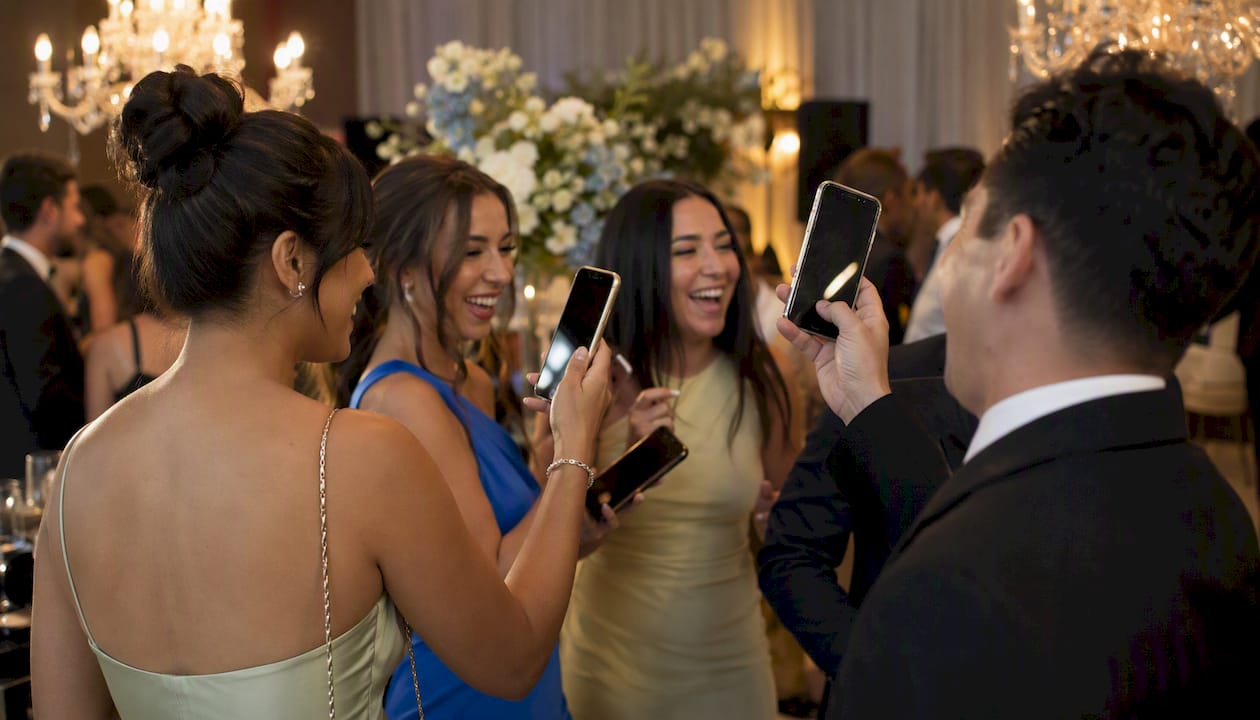
Photo-booth social-media integration automatically delivers a guest’s booth photo to their phone, a branded gallery, or a live social feed through a short flow: capture, on-device or cloud processing, then instant delivery via SMS, QR code, or gallery link. The fastest way to get it working at your event is to choose a booth package that includes QR and SMS delivery, a branded gallery, and an on-site technician. Rmdphotobooths covers all three.
Before your first vendor call, ask these three questions:
- Does the booth deliver photos via QR code and SMS within 60 seconds of capture?
- Is there a branded gallery guests can access and share from?
- Will a technician be on-site for the full event to manage delivery and troubleshoot?
If a vendor hesitates on any of those points, consider looking for other options.
Key Takeaways
Photo-booth social-media integration works when delivery is fast, branding is clean, and an on-site technician is present to keep the flow running.
| Point | Details |
|---|---|
| Deliver under 60 seconds | Sharing impulse drops sharply after a few minutes; QR and SMS are the fastest channels. |
| Require offline queuing | Photos must cache locally and upload automatically when connectivity returns. |
| Brand the output, not just the overlay | AI transforms and cinematic formats produce higher organic sharing than standard backdrop photos. |
| Collect consent before capture | On-screen opt-in for photo use, SMS, and email must be separate and clearly labeled. |
| Rmdphotobooths as your provider | Over 1,000 five-star reviews, on-site technicians, and published setup checklists for every event. |
Table of Contents
- How social media photo integration works from capture to share
- What sharing methods give you the best results?
- What hardware and software do you actually need?
- How do you brand the photos guests actually share?
- What do guests need to consent to before sharing?
- How much time and budget should you plan for?
- How do you choose the right vendor?
- What do you do when something goes wrong?
- What actually moves the share rate needle
- Rmdphotobooths handles the full integration for your event
- Sources
How social media photo integration works from capture to share
The full flow takes less than a minute when the system is set up correctly. A guest steps into the booth, the camera fires (DSLR, mirrorless, webcam, or a 360° rig), and the booth PC or tablet runs the image through the booth software. That software applies your branded overlay, compresses the file for mobile, and pushes it to a delivery engine.
From there, the guest receives the photo through whichever channel you’ve configured: a QR code on the booth screen, an SMS link, an email, or a direct download button. Simultaneously, the image uploads to a branded gallery and, if you’ve set up a live-feed display, it appears on a venue screen within seconds.
Key components in every social-sharing setup:
- Camera: DSLR or mirrorless for highest quality; webcam for compact setups; 360° rigs or Glambot-style moving rigs for cinematic output
- Booth PC or tablet: runs the booth software and delivery engine
- Booth software: Social Booth, Photo Booth Connected, Magic Mirror Booth, Photo Booth Cloud, or similar platforms that handle overlays, QR/SMS delivery, and gallery sync
- Delivery engine: SMS gateway, QR generator, or email service
- Branded gallery: a hosted micropage where guests view, download, and share
- Live-feed display: a hashtag wall or venue screen showing real-time uploads
Aim for delivery under 60 seconds. Research confirms that delays beyond a few minutes sharply reduce organic sharing impulse — guests move on, the moment fades, and the post never happens.
What sharing methods give you the best results?
QR codes and SMS are the clear leaders for immediate sharing impulse. Both put the photo directly on a guest’s phone at the moment they’re most excited. Galleries and direct-app share buttons are strong secondary channels, especially for post-event reach.
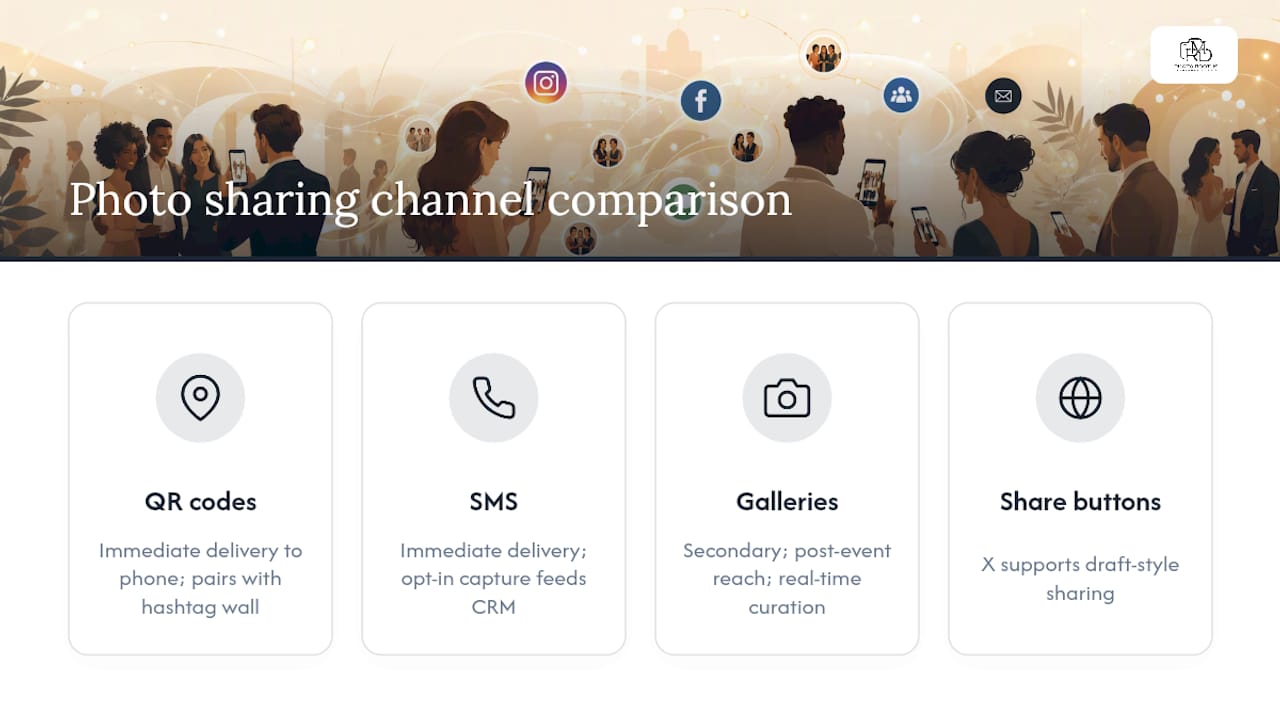
Instagram note: Instagram’s API does not allow third-party apps to post directly to a personal feed or Stories on a guest’s behalf. Guests must download the photo and post manually. This is a platform restriction, not a vendor shortcoming. X (formerly Twitter) supports draft-style sharing with pre-populated text. LinkedIn works well for corporate activations where guests share professional event content.
Real-time gallery tools let your social media manager pull curated highlights and post them to your brand’s accounts during the event, following the workflow: shoot, upload, curate, post. That’s a separate but powerful layer on top of guest-facing sharing.
For weddings, QR delivery paired with a hashtag wall creates a warm, communal moment. For corporate activations and trade shows, SMS with opt-in capture feeds your CRM directly. Branded micropages with QR or text delivery commonly collect phone numbers and email opt-ins, producing analytics and CRM-ready leads when proper consent is obtained.
What hardware and software do you actually need?
A reliable social-sharing setup doesn’t require the most expensive gear, but it does require the right combination of components. Here’s what to require from your vendor:
Hardware checklist:
- DSLR or mirrorless camera (Canon or Sony bodies are standard for corporate events)
- Tablet or kiosk with touch screen for guest interaction
- Dedicated event Wi-Fi router or wired backup connection
- Mobile hotspot or 5G device as a backup network
- On-site display screen for hashtag wall or live feed (optional but high-impact)
- Printer (optional; many social-first setups skip printing entirely)
Software features to require:
- Branded gallery with one-tap share and download
- Background queueing and offline caching (photos queue locally and upload when connectivity returns)
- QR and SMS delivery engine built into the booth software
- Moderation tools for live-feed displays
- Analytics dashboard and post-event export
360° and multi-format booths produce the most shareable digital content. Open-air and 360° rigs generate higher UGC volume than closed, print-first booths because the output is visually striking and phone-screen ready. Platforms like Social Booth, Photo Booth Connected, and Photo Booth Cloud all support configurable share buttons for Facebook, X, and LinkedIn, with documented limitations for Instagram.
Pro Tip: Ask your vendor to demonstrate offline queuing before the event. Drop the Wi-Fi connection during the demo and confirm photos queue locally, then upload automatically when the connection returns. If they can’t show you this live, assume it doesn’t work.
How do you brand the photos guests actually share?
Every photo that leaves your booth is a branded impression. Done well, overlays and captions make guests want to share. Done poorly, they make guests crop out your logo before posting.
Do this:
- Place your logo in a corner, not centered over faces
- Use high-contrast text so the overlay reads on both light and dark phone screens
- Design overlays at 1080×1080 or 1080×1920 (Stories format) so they look native in feeds
- Pre-populate share prompts with your event hashtag and a short credit line
- Keep gallery share buttons large, labeled, and above the fold on mobile
Avoid this:
- Overlays that cover more than 15–20% of the image
- Small logos that disappear when the photo is viewed at thumbnail size
- Hashtags longer than 20 characters (guests won’t type them manually)
- Requiring account creation to download (kills share rates immediately)
AI-driven transformations and novel output formats like generative artwork, watercolor portraits, and cinematic slow-motion produce the highest organic UGC rates because the output is genuinely surprising. Guests post because the photo is worth posting, not because you asked them to. Nielsen research cited by Pixora puts consumer trust in UGC at 92% versus traditional advertising, which means every organic share your booth generates carries real credibility weight.
What do guests need to consent to before sharing?
Consent doesn’t have to slow down the guest experience. A clear on-screen prompt before the first capture covers most scenarios. Here’s a practical checklist:
- Photo use consent: on-screen opt-in before capture, stating how images may be used
- SMS opt-in: separate checkbox if you’re collecting phone numbers for CRM
- Email opt-in: separate checkbox if you’re gating gallery access by email
- Moderation: enable a review queue for live-feed displays so no unmoderated image goes public
- Deletion policy: confirm your vendor can delete a guest’s photo on request and document how
Pro Tip: Use SMS and QR as your primary delivery methods. They put the photo on the guest’s phone without requiring an email address, which reduces friction and increases share rates. Collect email as an optional fallback, not a gate.
For region-specific data privacy rules, consult local legal counsel. Requirements vary by jurisdiction and event type.
How much time and budget should you plan for?
Timeline:
- 2–4 weeks before the event: finalize overlay design, gallery branding, and hashtag strategy
- 1 week before: complete technical rehearsal with the vendor; test QR, SMS, and live-feed display
- Day of event: allow 60–90 minutes for booth setup and connectivity testing before doors open
- 24–48 hours after: branded gallery delivered to guests; analytics report available
Cost drivers:
- Booth type (360° rigs and Glambot cinematic setups cost more than standard open-air)
- SMS delivery (carriers charge per message; high-volume events add up)
- Branding design time (custom overlays and gallery templates)
- Technician fees and travel
- Live-feed display hardware rental
Staffing:
- Booth operator (essential): manages the guest flow and camera
- Digital sharing attendant (essential for large events): stationed at the booth exit, helps guests scan QR codes and confirms delivery
- Remote tech support (optional): vendor-side support available by phone or chat for software issues
How do you choose the right vendor?
- Ask for a live demo of QR and SMS delivery, including offline queuing
- Request sample branded gallery links from past events
- Confirm on-site technician availability for your full event window
- Ask for their privacy policy and data-deletion process in writing
- Request a published setup checklist and timeline estimate
Red flags:
- No on-site technical support offered
- Can’t demonstrate offline queuing
- No clear privacy policy or data-deletion option
- Unable to show a branded gallery example
Trust signals to require: demo videos, published event case studies, client reviews, and a written setup checklist. Rmdphotobooths carries over 1,000 five-star reviews across multiple event types, publishes setup checklists and timeline estimates, and provides on-site technicians for every booking. Their planner’s guide to social media integration shows real QR/SMS delivery examples and branded gallery flows.
What do you do when something goes wrong?
Fast-action steps for the most common failures:
- Wi-Fi drops: switch to mobile hotspot immediately; confirm photos are queuing locally
- SMS gateway fails: switch to QR-only delivery on the booth screen; guests scan and download
- Gallery upload stalls: enable background upload mode; images will sync when connectivity returns
- Live-feed display desyncs: restart the display app; manually refresh the gallery feed
- Printer jams: skip printing and redirect guests to QR/SMS delivery; most guests prefer digital anyway
Backup kit your vendor should bring:
- Spare tablet or kiosk
- Dedicated mobile hotspot with a charged battery pack
- USB archive of all captures (offline backup)
- Offline gallery mode that uploads after the event ends
What actually moves the share rate needle
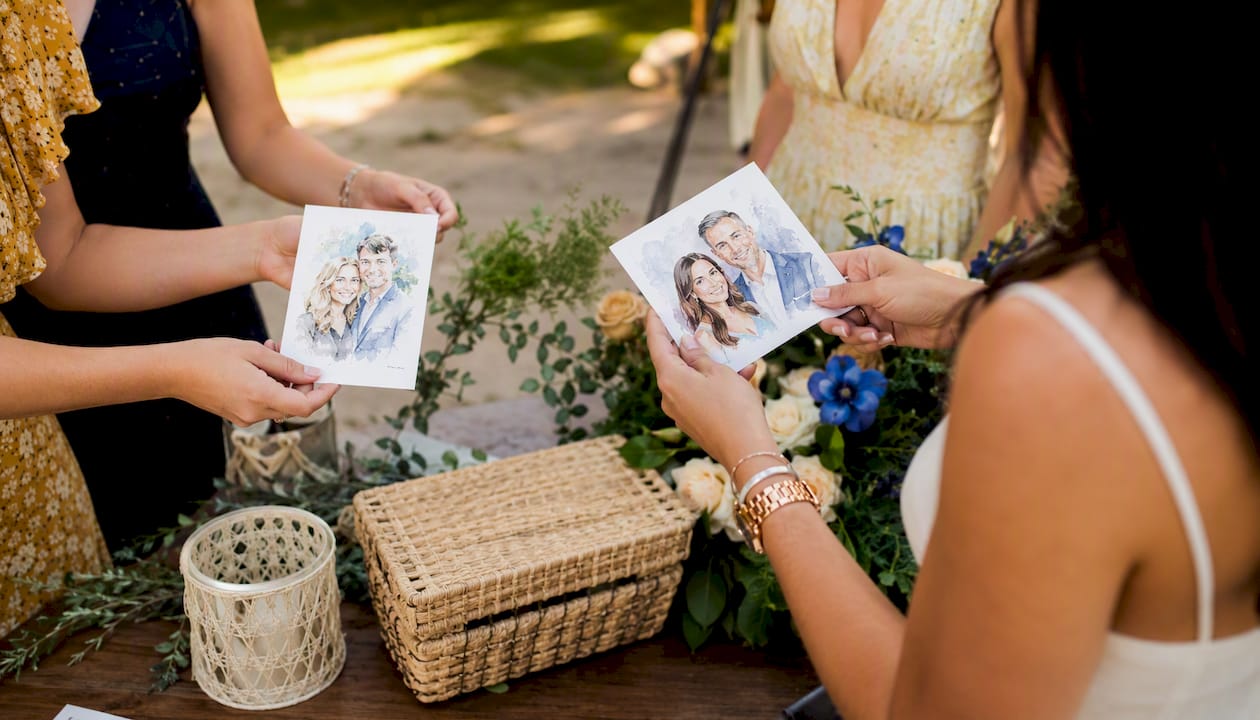
The single habit that consistently raises organic sharing at events is pairing an output guests genuinely want to post with delivery that reaches their phone before they leave the booth area. A standard backdrop photo with a logo overlay is easy to ignore. An AI watercolor portrait, a cinematic 360° slow-motion clip, or a Glambot-style video is something guests text to friends before they’ve even walked back to their table.
The operational change is simple: place a sharing attendant at the end of the booth line with the sole job of confirming the guest received their photo and knows how to share it. Target delivery under 60 seconds. When those two things happen together, organic sharing rates climb noticeably, and your event hashtag starts populating on its own.
Rmdphotobooths handles the full integration for your event
Rmdphotobooths brings everything covered in this guide under one roof: branded overlays, QR and SMS instant delivery, live gallery feeds, and an on-site technician who stays for the entire event. Whether you’re planning a wedding, a corporate activation, or a large gala, the team configures the sharing flow to match your brand and your guest experience goals.
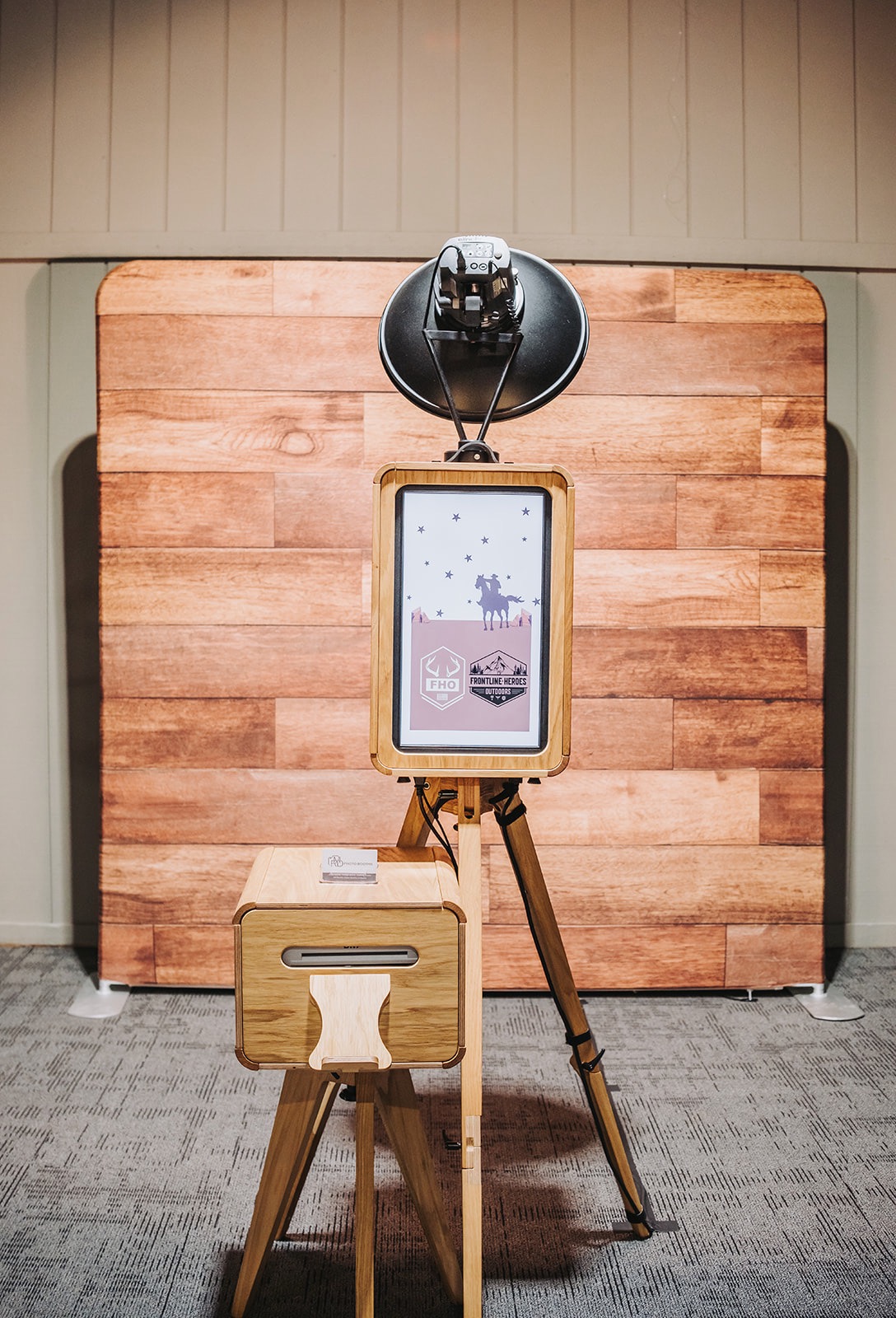
From 360° video booths and Glambot cinematic setups to AI-powered watercolor portraits, every experience is built to produce photos and videos guests actually want to share. Setup checklists, demo galleries, and transparent timelines are published so you know exactly what to expect before the event day. Book your booth now and tell us your event date, guest count, and sharing goals. We’ll handle the rest.