TL;DR:
- A well-planned wedding photo booth workflow ensures seamless guest participation, privacy compliance, and high-quality image delivery. Proper setup includes choosing the right technology, strategic QR code placement, and thorough testing before the event. Managing the booth actively during the event and thoughtfully closing the workflow afterward maximizes your photo collection and guest satisfaction.
Planning a wedding photo booth sounds fun until you are three weeks out and realize the printer jams during cocktail hour, nobody scanned the QR code, and the photos are scattered across four different phones. A solid wedding photo booth workflow fixes all of that before it starts. This guide walks you through every phase, from choosing the right technology to post-event photo delivery, so your booth becomes a genuine highlight of the night instead of a source of stress. Whether you are a couple doing this yourself or a seasoned event organizer, this is the playbook you need.
Table of Contents
- Key takeaways
- Your wedding photo booth workflow starts with the right setup
- Setting up an efficient photo booth for your wedding day
- Managing the photo booth during the event
- Post-event workflows: closing out and following up
- Our take: what years of wedding photo booth management taught us
- Let Rmdphotobooths bring your wedding vision to life
- FAQ
Key takeaways
| Point | Details |
|---|---|
| App-free photo collection wins | Browser-based QR codes increase guest participation 3-4x compared to systems requiring app downloads. |
| QR placement drives results | Placing codes at tables, the entrance, bar, and booth maximizes visibility and guest uploads throughout the event. |
| Test everything before the event | Wi-Fi stability, printer function, and guest user flows should all be verified at least one day before the wedding. |
| Privacy compliance is non-negotiable | Digital consent must include separate opt-ins for photo use, email, and marketing before any guest data is collected. |
| Keep the upload window open post-event | Leaving photo uploads active for 3-7 days after the wedding captures the 15-20% of photos guests submit after the event ends. |
Your wedding photo booth workflow starts with the right setup
The foundation of any great wedding photo booth experience is what you do before the wedding day. Rushing this phase is where most organizers stumble. They rent the booth, show up, and figure the rest out on the fly. That approach creates chaos.
Here is what you need to have in place:
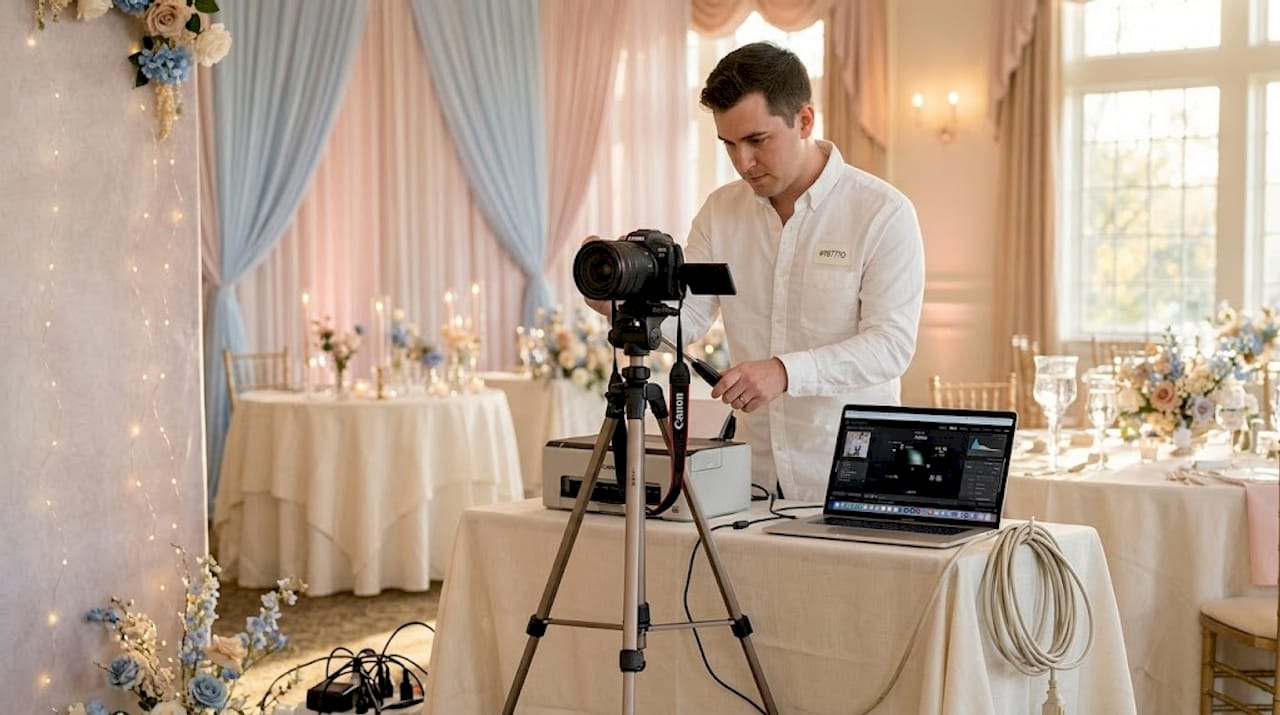
- Camera and capture hardware. DSLR cameras with studio-grade lighting deliver the sharpest prints. Mirrorless cameras are lighter and work beautifully in modern booth enclosures.
- Photo software. Look for platforms that support AI filters, custom overlays, and real-time photo processing. AI-powered photo booth technology adds a wow factor guests genuinely remember.
- QR code photo collection platform. Browser-based systems are far superior to app-based ones. Guests scan, upload, and share without downloading a thing.
- Printer options. Dye-sublimation printers are the gold standard for physical keepsakes at weddings. They are fast, smudge-resistant, and produce photo-quality prints guests will treasure.
- Stable internet connection. AI photo booths process images in the cloud, which means a shaky venue Wi-Fi signal will bring your workflow to a grinding halt. Always confirm connection speed with the venue in advance and have a cellular backup plan ready.
You also need to think about consent and data privacy before the first guest even steps into the booth. Granular digital consent is not optional. That means separate opt-ins for photo use, email delivery, and any marketing. Pre-ticked boxes are non-compliant under most current privacy frameworks. Build this into your intake screen, not as an afterthought.
| Tool | Type | Key Capability |
|---|---|---|
| DSLR or mirrorless camera | Hardware | High-resolution image capture |
| Dye-sublimation printer | Hardware | Instant, durable physical prints |
| Browser-based QR platform | Software | App-free guest photo uploads |
| AI photo software | Software | Real-time filters and transformations |
| Cloud storage platform | Software | Secure photo archiving and sharing |
Pro Tip: Ask your venue for their Wi-Fi password and router location at least two weeks before the event. Run a speed test during peak hours. If it drops below 25 Mbps, bring a dedicated hotspot.
Setting up an efficient photo booth for your wedding day
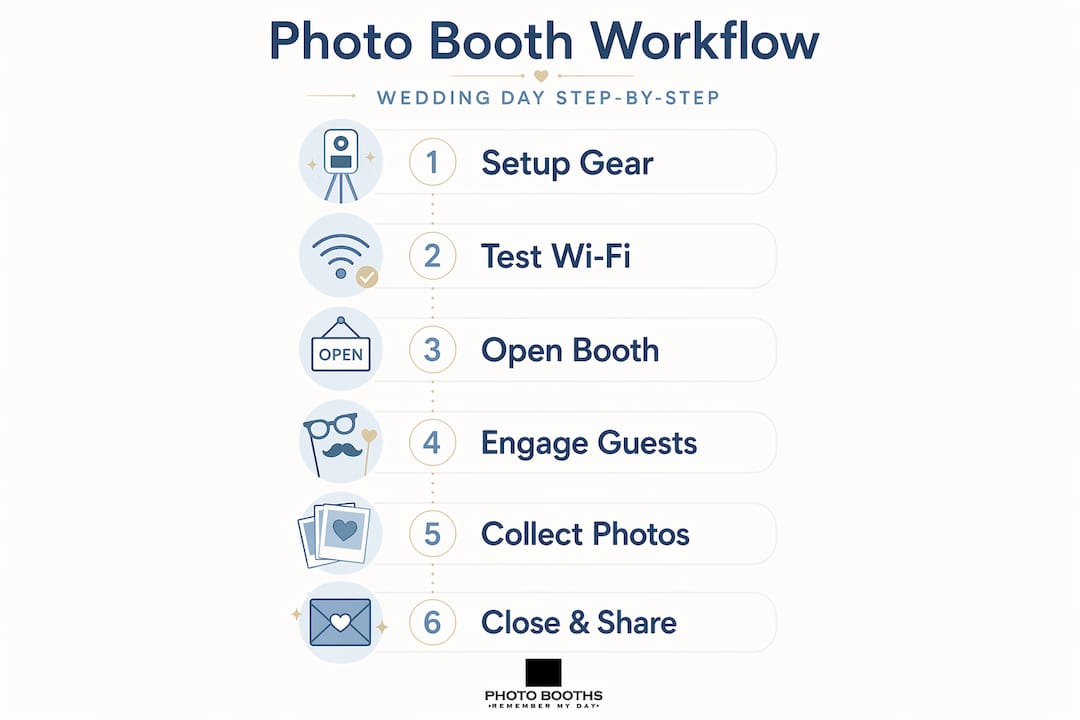
Once your tools are in hand, the real photo booth planning for weddings begins. Here is the step-by-step process we recommend:
-
Create your event gallery. Set up a dedicated digital gallery for the wedding and customize it with the couple’s names, wedding date, and color palette. This makes the experience feel personal from the very first scan.
-
Generate and customize your QR codes. Your QR code should link directly to the browser-based upload portal. Customize the code with the wedding colors or a logo if the platform allows it.
-
Place QR codes strategically throughout the venue. Optimal placement includes at least one code per table plus three to five large signs at the entrance, bar, dance floor, and photo booth station itself. More visibility equals more uploads.
-
Configure your delivery options. Decide in advance whether guests will receive digital copies via QR code or email, physical prints, or AI-transformed versions of their photos. Many couples choose all three. Multiple delivery methods meaningfully increase guest satisfaction.
-
Schedule your in-event announcements. Plan to announce the photo booth and QR code at least three times: at the start of the reception, midway through, and before the last hour. This is one of the simplest things you can do to dramatically increase participation.
-
Run a complete test session. Test every single step a guest would take. Scan the code yourself. Upload a photo. Check that it appears in the gallery. Print one. This catches 90% of issues before they affect real guests.
-
Simulate a busy upload scenario. Have two or three people upload simultaneously to test how the system handles concurrent traffic. Bottlenecks that look invisible in solo testing appear fast under load.
| QR Code Placement | Visibility Level | Recommended Size |
|---|---|---|
| Entrance sign | Very high | 12 x 12 inches or larger |
| Each guest table | High | 4 x 4 inches tent card |
| Bar or cocktail area | High | 8 x 8 inches display card |
| Photo booth station | Very high | 10 x 10 inches mounted sign |
| Restroom area | Medium | 5 x 7 inches adhesive sign |
Pro Tip: Use a URL shortener alongside your QR code so guests who prefer typing a web address can still access the gallery easily. This is especially helpful for older guests who may not be comfortable scanning.
Managing the photo booth during the event
Even a perfectly planned wedding photo booth setup needs active management on the day itself. This is where the photo booth customer experience either shines or suffers. Here is what to watch for in real time:
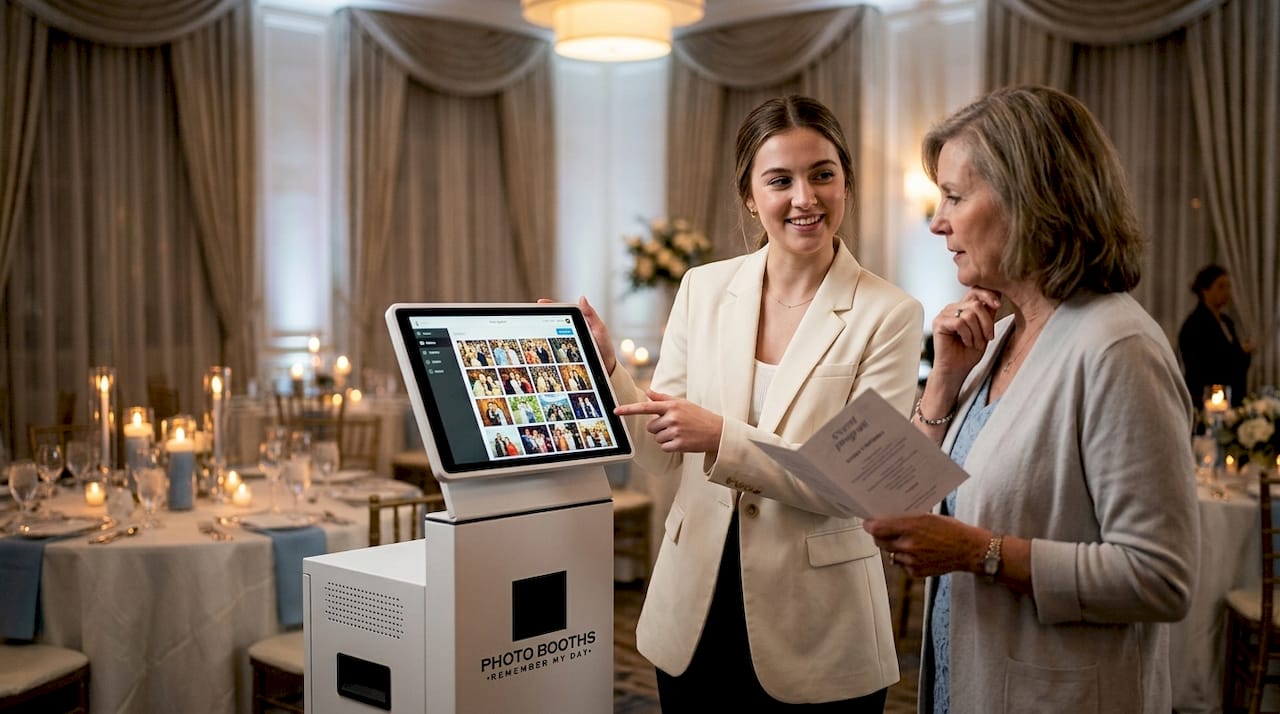
- Monitor the live moderation dashboard. Most platforms let you approve or flag uploaded photos before they appear in the shared gallery. Assign one person specifically to this task so nothing inappropriate slips through.
- Use live slideshows to build energy. Displaying guest uploads on a screen in real time is one of the most effective ways to drive participation and make the photo booth a focal point of the celebration. Guests see their friends on screen and immediately want to join in.
- Engage with announcements and mini-contests. Ask the DJ or MC to challenge guests: “The first person to upload a photo with the bride wins a bottle of champagne.” Friendly competition makes photo collection feel like part of the fun, not a chore.
- Troubleshoot connectivity issues immediately. If the upload portal slows down or stops responding, switch to your cellular hotspot without hesitation. Delays kill momentum at events.
- Address guest confusion with clear signage and a helper. Post simple, bold instructions at the booth. Better yet, designate a friendly attendant to guide guests through the process, especially during the first hour when habits are forming.
Pro Tip: Set a phone alert at the 90-minute and 30-minute marks before photo collection closes. Use those reminders to prompt another announcement from the MC and send one final burst of engagement.
Privacy management during the event also matters. If a guest asks to have their photo removed from the shared gallery, honor that request immediately. Respecting guest comfort builds the kind of trust that makes your wedding photography workflow feel warm and professional, not intrusive.
Post-event workflows: closing out and following up
The wedding ends, but your wedding photo booth management does not. Here is how to close the loop properly:
- Keep the upload window open. Post-event uploads account for 15-20% of total photo submissions. A 3-to-7-day window after the event captures those late photos guests took on cameras or remembered to share later.
- Moderate the final gallery. Do a complete review of all submitted content before sharing the gallery link with the couple. Remove duplicates, blurry shots, and anything that does not belong.
- Send a thank-you email with the gallery link. This email goes out to the couple and, if consent was granted, to guests who opted in. Include a warm message, the gallery access link, and instructions for downloading full-resolution photos.
- Handle deletion requests promptly. Any guest who wants their image removed should be able to request it easily. Include a contact method in the gallery or email for this purpose.
- Create a curated album. Combine the best professional shots with the most memorable guest uploads. Platforms that support candid photo collection from QR code systems make it easy to build an album that tells the full story of the day.
- Archive securely. Store the final gallery on a password-protected platform with a defined retention period. Delete raw data you no longer need. This keeps you aligned with current data privacy standards.
Closing your photo booth workflow thoughtfully protects the couple’s memories and your professional reputation. The details you handle after the event are just as meaningful as what happens during it.
Our take: what years of wedding photo booth management taught us
I have seen a lot of well-meaning photo booth plans fall apart because they relied on one thing going right. The MC remembers to announce it. The venue Wi-Fi cooperates. Guests figure out the app. When any of those variables breaks, the whole system stalls.
What I have learned is that the best wedding photo booth workflow is the one that does not depend on any single person or connection to carry it. That means app-free photo uploads as the default, QR codes in at least five locations, and announcements baked into the timeline instead of left to chance. The QR code at the bar alone will generate more uploads than anything else you do, because that is where guests are relaxed and already taking pictures.
On the privacy side, I see organizers either ignore it completely or overcomplicate it to the point where guests abandon the intake screen. The fix is simple: two clean checkboxes, plain language, and a real opt-out. Guests appreciate transparency, and it protects everyone involved.
One more thing: do not skip the pre-event test run. Not a quick glance. A full simulation, with multiple people uploading simultaneously. I have seen printers fail during the first dance because nobody tested under load. That is a fixable problem that becomes an unfixable memory.
— RMD
Let Rmdphotobooths bring your wedding vision to life
At Rmdphotobooths, we have spent years perfecting the art of making weddings truly unforgettable, and we bring that experience to every photo booth we set up in San Antonio and beyond.

Whether you are dreaming of a classic traditional photo booth, a show-stopping 360 booth experience, or an AI-powered booth that transforms your guests into works of art, we have the technology and the team to make it happen. Our booths come ready with browser-based QR code photo collection, live gallery displays, and customized branding that matches your wedding perfectly. We handle the setup, management, and troubleshooting so you can focus on celebrating. Ready to create those “wow” moments? Book your booth today and let us take care of the rest.
FAQ
What is a wedding photo booth workflow?
A wedding photo booth workflow is the end-to-end process of planning, setting up, managing, and closing out a photo booth at a wedding. It covers everything from equipment selection and QR code placement to post-event photo delivery and data privacy.
How do QR codes improve guest participation at wedding photo booths?
Browser-based QR systems increase guest participation 3-4x compared to app-based alternatives because guests can upload photos instantly without downloading anything.
How many times should you announce the photo booth QR code during the event?
Announce it at least three times: at the start of the reception, midway through the event, and again in the final hour. More announcements consistently produce more uploads.
How long should you keep the photo upload window open after the wedding?
Keep the upload window open for 3-7 days after the event. Post-event uploads account for 15-20% of total submissions, so an extended window meaningfully grows your final photo collection.
What privacy rules apply to wedding photo booth data collection?
Digital consent must include separate opt-ins for photo use, email delivery, and marketing. Pre-ticked consent boxes are non-compliant, and guests should be able to request photo removal at any time.